Your Clipboard,
Everywhere.
Recopy bridges the gap between your devices. Seamlessly sync text, links, and files across Android, Windows, and more. Stop emailing yourself—start Recopying.
Get Started
Download Recopy today and unify your workflow.
Why Recopy?
Multi-Device Sync
Copy on your phone, paste on your PC. Recopy synchronizes your clipboard history instantly across all connected devices using advanced cloud technology.
File Transfer
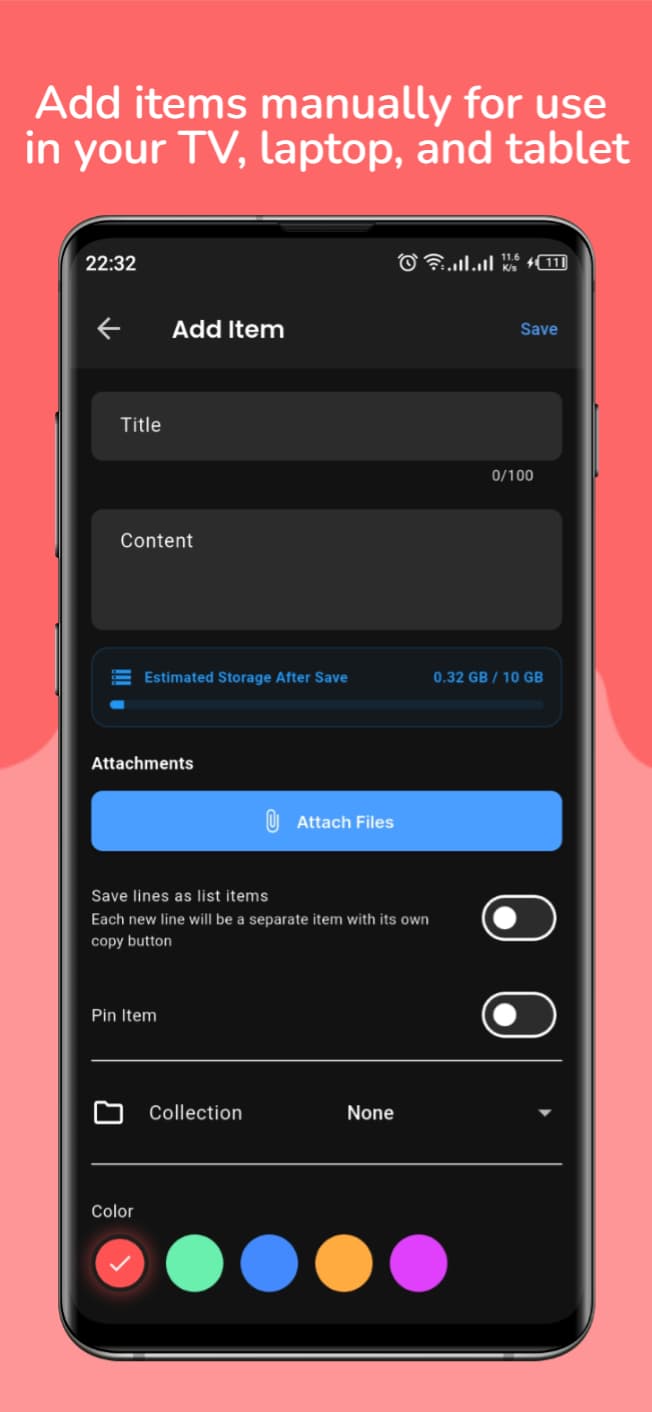
Need to send a photo or document to your desktop? Just attach it in Recopy. Pro users can send files up to 10 GB effortlessly, no cables required.
Secure & Private
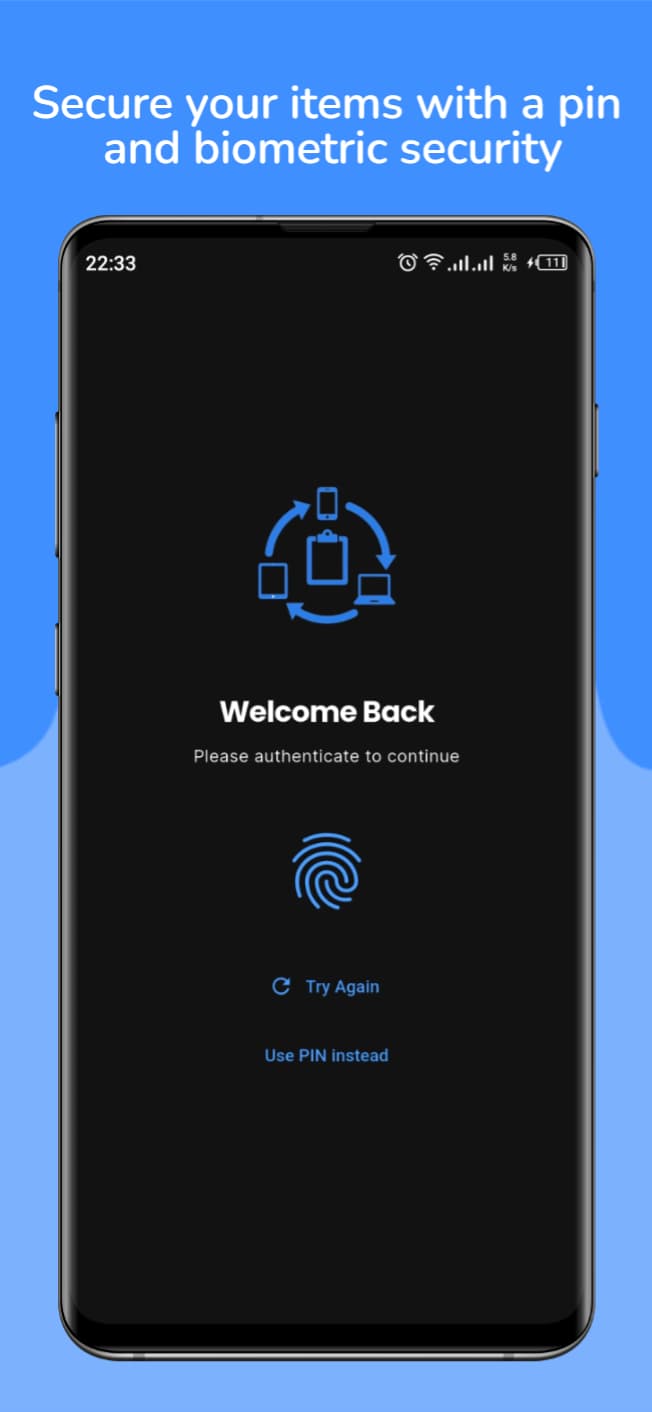
Your data is yours. Recopy uses robust encryption to ensure your clipboard history is readable only by you. Secure via PIN or Biometrics.
Smart Collections
Organize your snippets into Collections. Keep coding snippets, important links, and creative ideas sorted and ready when you need them.
Device Control
Manage exactly which devices have access to your data. Remotely sign out old devices and keep your account secure with full control.
Lightning Fast
Built with Flutter for native performance. Recopy is lightweight, battery-efficient, and is designed to get out of your way.
The Clipboard Manager You've Been Waiting For
We've all been there: emailing ourselves a link, texting a photo to our own number, or typing out a long code snippet manually because we switched devices. Recopy solves this problem once and for all.
Recopy isn't just a clipboard manager; it's a productivity powerhouse. It runs quietly in the background, keeping your history safe and synchronized. Whether you're a developer moving code between environments, a designer transferring assets, or just someone who uses multiple devices daily, Recopy saves you time and frustration.
With features like Pin Protection for sensitive items, Searchable History to find that link you copied three days ago, and Large File Support for heavy lifting, Recopy adapts to your workflow, not the other way around.
See It In Action


Desktop Experience


Direct Downloads
Get the latest version directly from our repository.
| Platform | Version | File Type | Action |
|---|---|---|---|
| Android | Latest | APK Installer | Download APK ↓ |
| Windows | Latest | Portable EXE File | Download EXE ↓ |